 MK Homev0.6.1Download latest APK
Your home and screens in one app
Your TV. More than a screen.
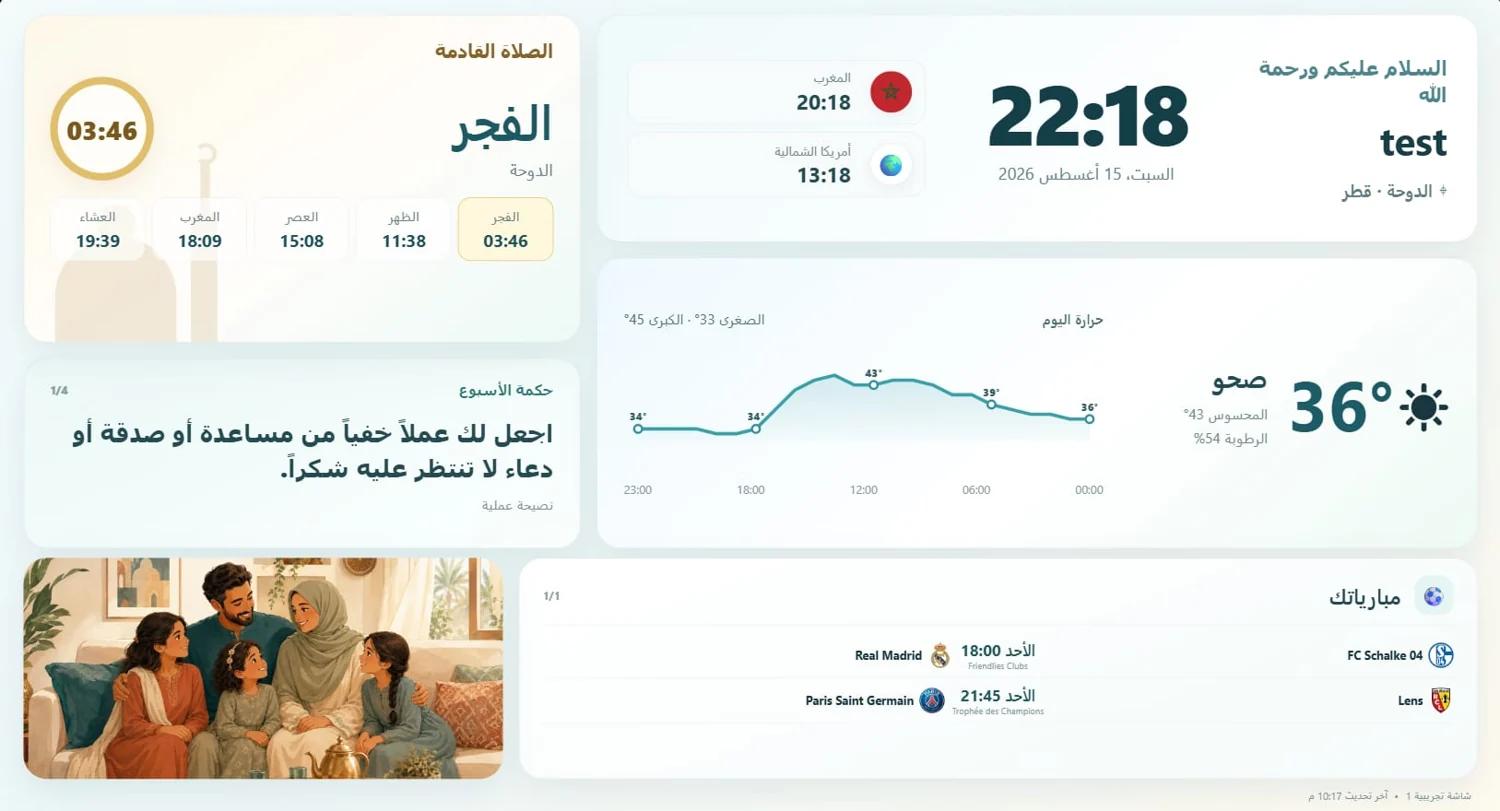
Prayer times, weather, family photos and your favourite matches on TV. Manage them from your phone, in one shared family home.
Prayer timesWeatherPhotosMatches
Available version v0.6.1
Android · Phone & tablet · Android TV · Google TV
- 1
Install on your phone and TV
Find MK Home in Google Play on Android, Android TV or Google TV, or use the APK.
- 2
Create or join your home
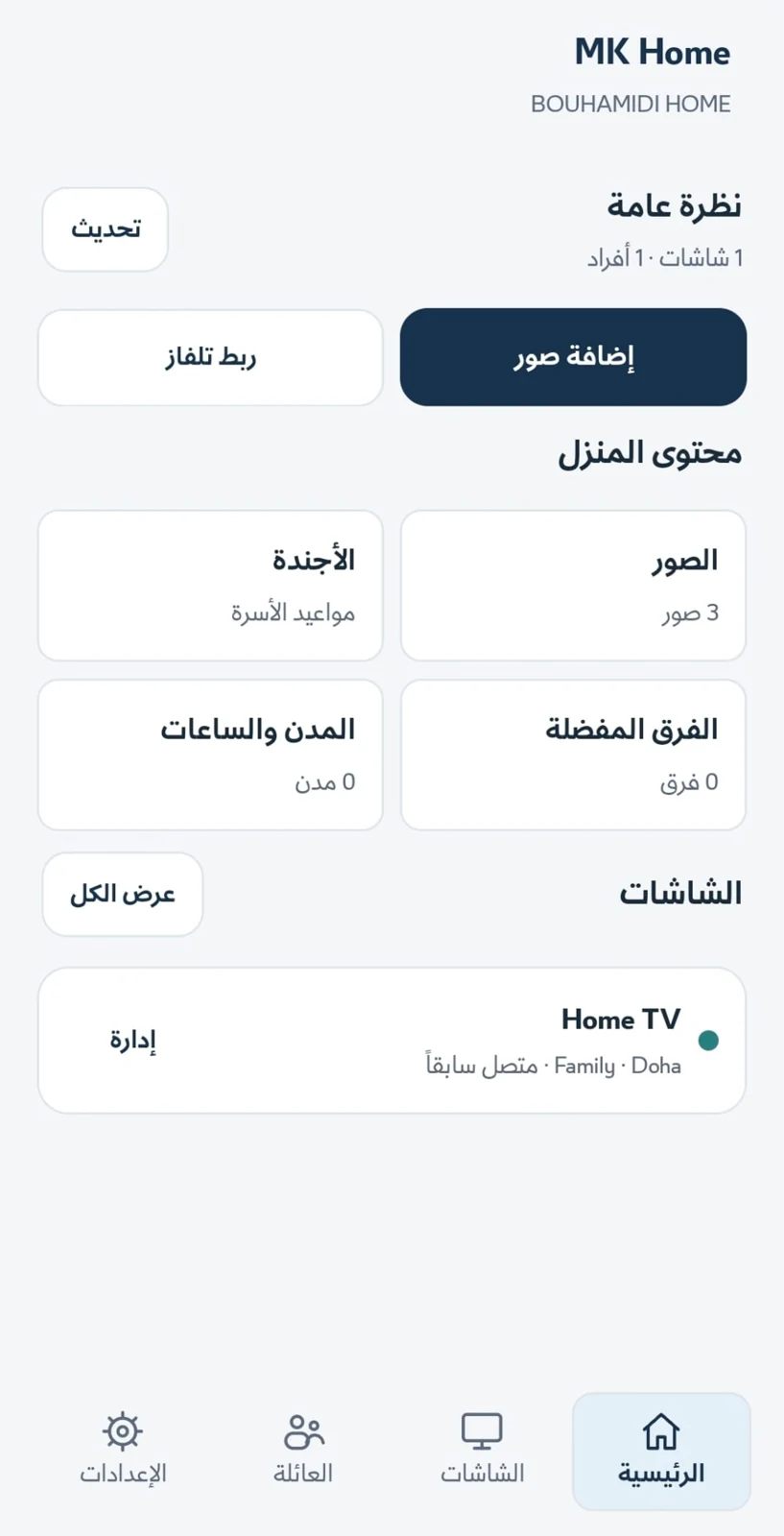
Open the phone app. Enter your name and home name, or join using an owner’s invitation.
- 3
Connect and personalise
In Screens, scan the QR shown on your TV or enter its 6-digit code. Choose photos, city and design.
Phone and tablet
- Install MK Home from Google Play, or use the APK when needed.
- Open the app to manage your home and screens.
- From Screens, pair the TV by QR or 6-digit code.
Android TV and Google TV
- Install MK Home from TV Google Play, or transfer the APK to the TV.
- With an APK, allow installation from the source when asked.
- Open MK Home and pair it from your phone by QR or 6-digit code.
Using the APK on TV? Transfer the file and allow installation from that source when Android asks. A computer can download and transfer the APK.